
Edited: 6/29/2026
Divi 5 marks a significant milestone in the evolution of the Divi theme, which has been a favorite among web designers since its inception. Officially released on February 26, 2026, Divi 5 has undergone a complete overhaul, focusing on performance, stability, and user experience. This update is not just a simple upgrade; it represents a foundational shift in how users interact with the platform.
Key Milestones Leading to Divi 5
- Announcement and Anticipation: The journey began with an official announcement on November 10, 2022, where Elegant Themes CEO Nick Roach hinted at a complete rebuild of Divi’s core functionalities.
- Developer Alpha and Beta Releases: Following the announcement, the Developer Alpha was released on March 7, 2023, allowing third-party developers to test the new features. This was followed by a Developer Beta in August 2023, which further refined the functionalities based on user feedback.
- Public Access: By September 30, 2024, Divi 5 was made available to all members in a public alpha format, allowing a broader audience to experience the new features.
- Final Release: After extensive testing and feedback, Divi 5 was officially launched, bringing a host of new features and improvements that cater to both novice and experienced web designers.
What’s New in Divi 5?
Variable Fonts Unlock More Typographic Control
One of the most important upgrades in Divi 5 is support for variable fonts. Instead of relying on separate font files for every weight and style, variable fonts package multiple variations into a single flexible font asset. Users can then fine-tune a variable font by adjusting weight, slant, width, and in some cases roundness or other shape controls, giving them more precise control over the look and feel of their typography. That means designers can fine-tune typography with greater precision while keeping websites lighter and more efficient. Weight, width, and other styling options can be adjusted more fluidly, giving layouts a more refined editorial look. This improvement is especially valuable for modern brand systems. It makes it easier to maintain consistency across headings, body text, and callouts while still allowing subtle variation that adds personality and hierarchy. Divi 5 introduces a plethora of features designed to enhance user experience and streamline the design process. Here are some of the most notable updates:
1. Enhanced User Interface

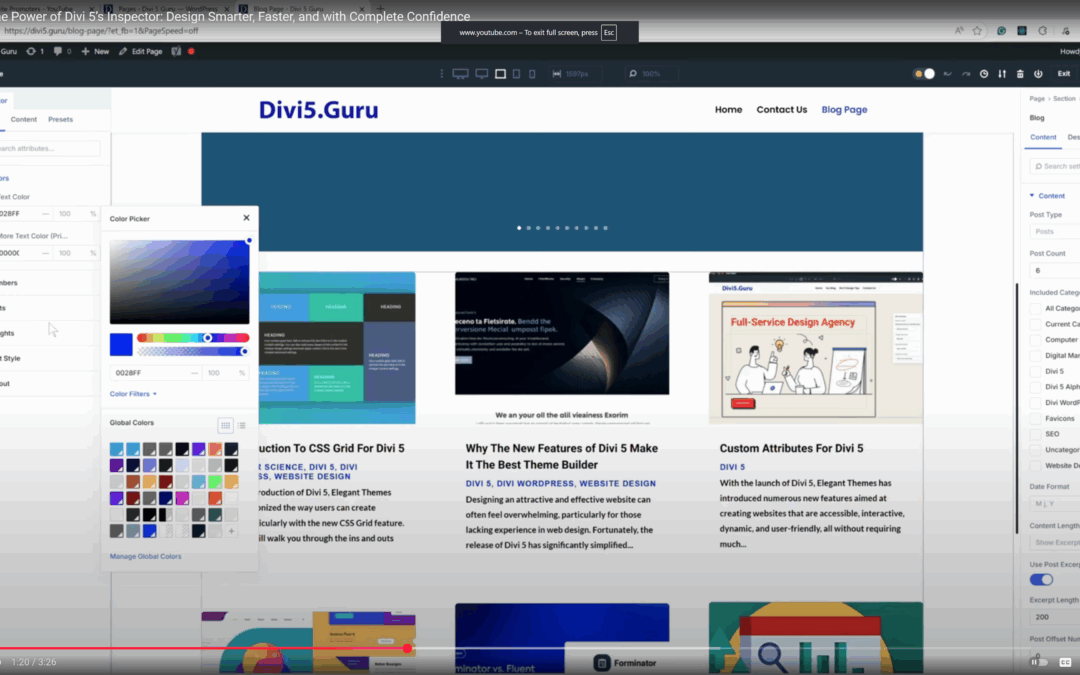
The new Divi 5 Inspector feature gives designers deeper control over every element’s layout and styling.
The new interface is not only visually appealing but also designed for efficiency. Users can expect a cleaner layout that allows for quicker navigation and easier access to tools.
- Customizable Panels: Users can adjust panel sizes and positions, tailoring the workspace to their preferences.
- Light/Dark Mode: The option to switch between light and dark modes enhances usability, especially for those working in low-light environments.
2. Module Groups
One of the standout features of Divi 5 is the introduction of Module Groups. This functionality allows users to bundle multiple modules into a single unit, making it easier to manage and style them collectively.
- Efficiency: By grouping modules, you can apply changes to multiple elements simultaneously, saving time and ensuring consistency across your designs.
- Flexibility: Users can easily duplicate or reposition entire groups, streamlining the design process.
3. Advanced Design Features
Divi 5 comes packed with advanced design capabilities that empower users to create stunning websites with ease.
- CSS Grid and Flexbox Integration: These features allow for more complex layouts and responsive designs, giving users greater control over their website’s appearance.
- Custom Breakpoints: Users can define specific breakpoints for different devices, ensuring that their designs look great on desktops, tablets, and smartphones.
4. Improved Performance

Performance has been a key focus in the development of Divi 5. The new architecture is designed to load faster and run more efficiently.
- Dynamic Assets: The platform now loads JavaScript libraries on-demand, reducing the overall load time of websites.
- Critical CSS Generation: This feature prioritizes the loading of essential styles, ensuring that content appears quickly and smoothly.
Getting Started with Divi 5
Transitioning to Divi 5 is straightforward, especially for existing users of previous versions. Here’s how to get started:
Step 1: Update Your Current Version
If you’re already using Divi, updating to the latest version is as simple as navigating to your WordPress dashboard and following the prompts to install the update.
Step 2: Explore the New Features
Once updated, take some time to familiarize yourself with the new interface and features. The live demo available on the Elegant Themes website is an excellent resource for exploring the capabilities of Divi 5.
Step 3: Start Designing
Begin by creating a new project or updating an existing one. Utilize the Module Groups feature to streamline your workflow and enhance your design process.
Practical Applications of Divi 5
Divi 5 is versatile and can be applied to various types of websites. Here are some practical applications:
1. E-commerce Websites
For online store owners, Divi 5 offers robust tools to create visually appealing product pages. Use Module Groups to showcase product categories, including images, titles, and call-to-action buttons.
2. Portfolio Sites
Designers and creatives can leverage the advanced layout options to create stunning portfolio sites. The integration of Flexbox and CSS Grid allows for unique and dynamic presentations of work.
3. Blogs and Content-Rich Sites
Bloggers can benefit from the Loop Builder feature, which enables the creation of custom layouts for posts, making it easier to display content in an engaging manner.
Advanced Features to Explore
As you become more familiar with Divi 5, consider exploring some of the advanced features that can further enhance your design capabilities:
1. Loop Builder
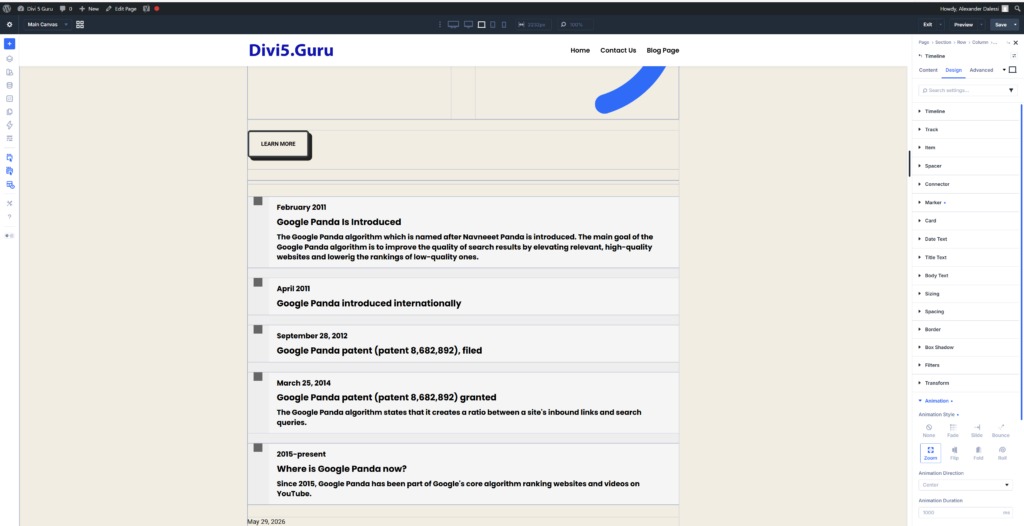
The Loop Builder allows users to create dynamic content layouts for posts, products, and more. This feature is particularly useful for blogs and e-commerce sites, enabling the display of content in a visually appealing manner.
2. Inspector Tool
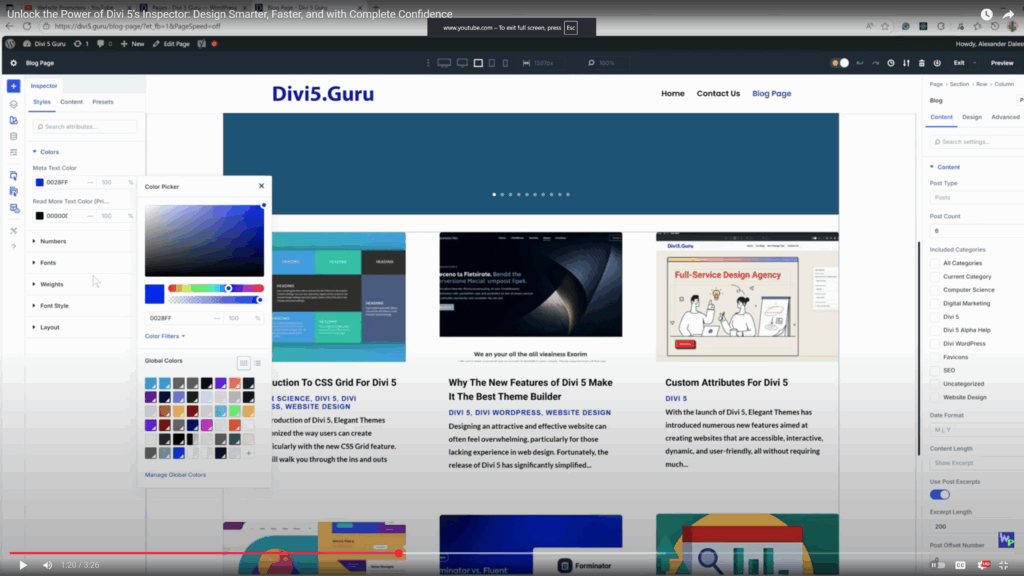
The new Divi 5 Inspector feature gives designers deeper control over every element’s layout and styling.
The Inspector tool aggregates similar styles across selected elements, allowing for quick adjustments and ensuring consistency throughout your design.
3. Canvases
Canvases provide a detached workspace for managing off-canvas content such as menus and popups. This feature is ideal for organizing design elements without cluttering the main workspace.
Tips for Maximizing Your Experience with Divi 5
Consider the following tips:
- Utilize Presets: Save time by creating design presets for commonly used styles. This ensures consistency across your projects and speeds up the design process.
- Test Across Devices: Always preview your designs on various devices to ensure a seamless user experience.
- Engage with the Community: Join the Divi community forums and groups to share experiences, ask questions, and learn from other users.
Conclusion
Divi 5 represents a significant advancement in web design capabilities, offering a wealth of features that cater to both novice and experienced designers. By embracing the new functionalities, such as Module Groups and advanced layout options, you can create stunning, responsive websites with ease. Whether you’re building an e-commerce site, a portfolio, or a blog, Divi 5 provides the tools you need to succeed in today’s competitive digital landscape.
For more information and to explore the latest updates, visit the Elegant Themes website.