
Unveiling the New Modules in Divi 5: A Comprehensive Guide
With the recent launch of Divi 5, web designers and developers are presented with an exciting array of new modules that enhance functionality and streamline the design process. This article delves into the five newly introduced modules, exploring their features, benefits, and practical applications. Whether you're a seasoned Divi user or just starting, these modules are designed to elevate your website design experience.
Understanding the New Modules
Divi 5 has introduced five innovative modules that cater to various design needs. Each module serves a unique purpose, allowing users to create visually appealing and functional websites with ease. Here’s a closer look at each module:
1. Timeline Module
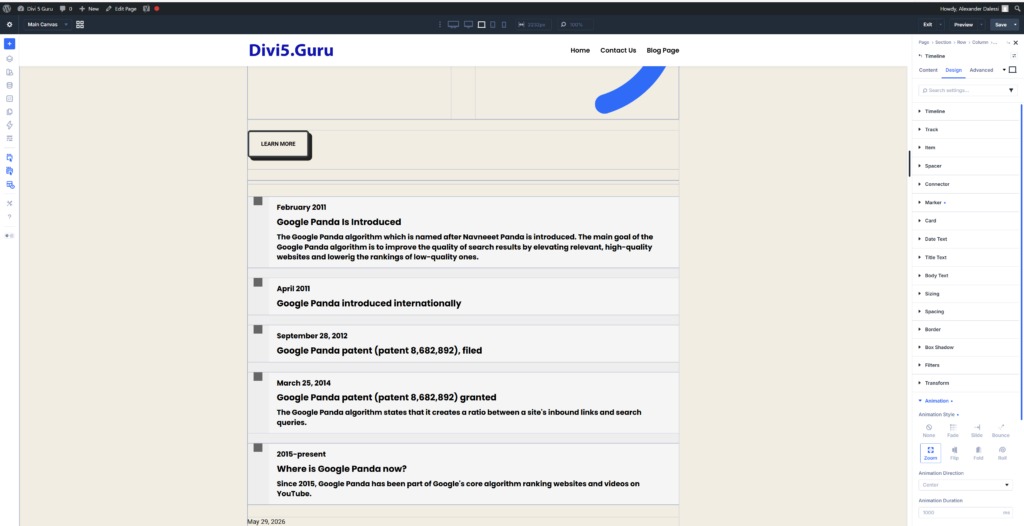
The Timeline Module is a powerful tool for creating visually engaging timelines. This module allows users to present information chronologically, making it ideal for showcasing milestones, project timelines, or historical events.
- Key Features:
- Animated Transitions: The timeline can feature smooth animations, enhancing user engagement.
- Customizable Layouts: Users can choose from various layouts to suit their design preferences.
- Loop Functionality: The module supports loops, allowing for dynamic content presentation.
2. Breadcrumbs Module
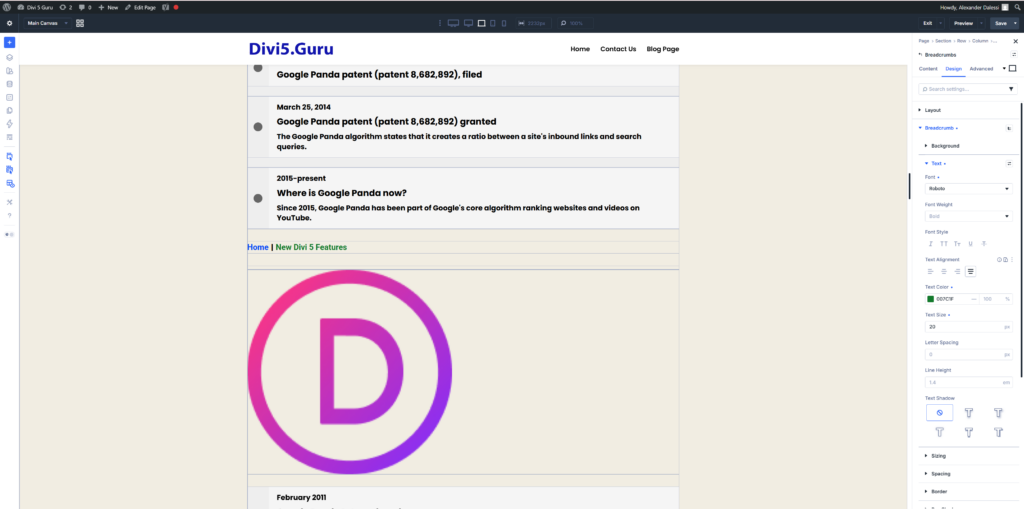
The Breadcrumbs Module is a simple yet effective addition that enhances navigation on your website. It provides users with a clear path back to previous pages, improving user experience and site structure.
- Key Features:
- Easy Integration: This module can be added to any page, making it versatile for different layouts.
- Theme Builder Compatibility: It works seamlessly with Theme Builder templates, ensuring consistency across your site.
- Custom Styling Options: Users can customize the appearance to match their website's branding.
3. SVG Module
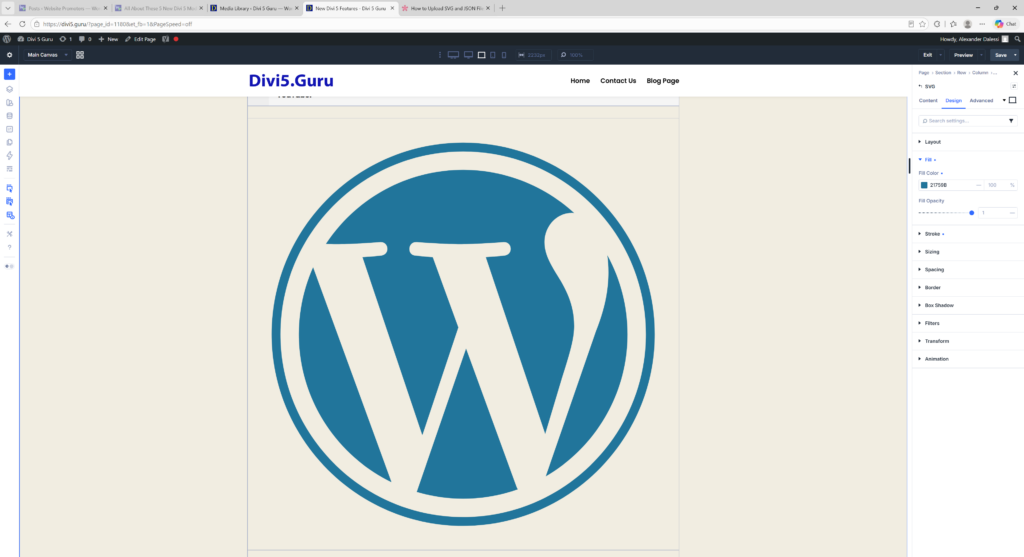
Scalable Vector Graphics (SVGs) are becoming increasingly popular due to their lightweight nature and crisp quality. The SVG Module allows users to incorporate SVG images directly into their designs.
- Key Features:
- Native Styling Options: Users can style SVGs using native stroke and width settings, providing flexibility in design.
- High-Quality Graphics: SVGs maintain their quality at any size, making them perfect for responsive designs.
- Lightweight Files: SVGs are generally smaller in file size compared to traditional image formats, improving site performance.
4. Table of Contents Module
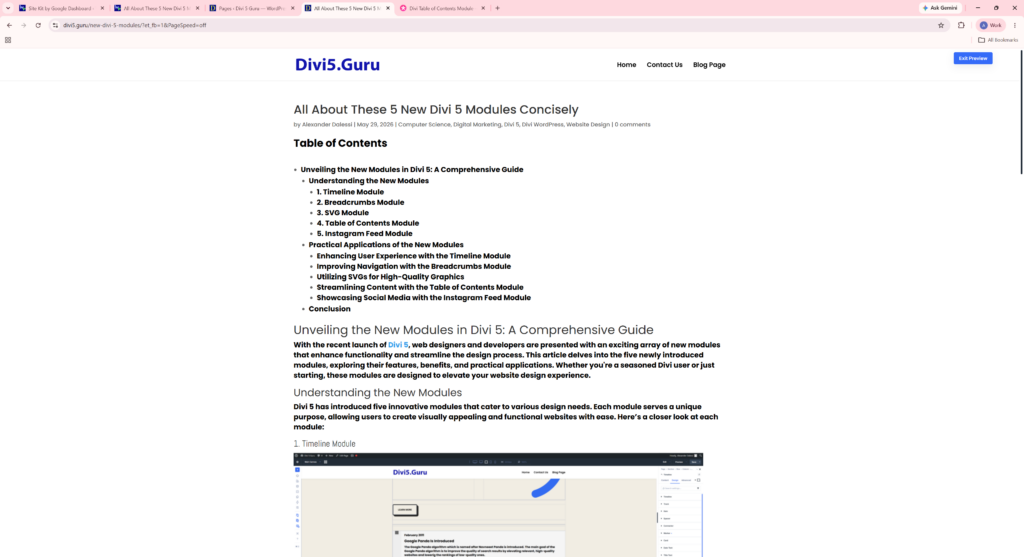
The Table of Contents Module is a game-changer for content-heavy websites. It automatically generates a clickable table of contents, allowing users to navigate lengthy articles or pages effortlessly.
- Key Features:
- Automatic Generation: The module creates a table of contents based on headings within the content, saving time for users.
- Clickable Links: Users can jump to specific sections of the content, enhancing usability.
- Customizable Appearance: The look and feel of the table can be tailored to fit the overall design of the website.
5. Instagram Feed Module
For those looking to integrate social media into their websites, the Instagram Feed Module is a fantastic addition. This module allows users to display their Instagram feed directly on their site, showcasing their latest posts.
- Key Features:
- Dynamic Content: The feed updates automatically, ensuring that visitors always see the latest content.
- Customizable Layouts: Users can choose how to display their Instagram posts, whether in a grid, carousel, or other formats.
- Engagement Boost: By displaying social media content, users can increase engagement and encourage visitors to follow their social media accounts.
Practical Applications of the New Modules
Now that we've explored the features of each module, let's discuss how you can effectively implement them in your web design projects.
Enhancing User Experience with the Timeline Module
The Timeline Module is perfect for storytelling. For instance, if you're creating a portfolio website, you can use the timeline to showcase your career journey, highlighting key achievements and projects. This not only adds visual interest but also provides context to your work.
Improving Navigation with the Breadcrumbs Module
Incorporating the Breadcrumbs Module is essential for websites with multiple layers of content. For example, an e-commerce site can benefit from breadcrumbs by allowing users to easily navigate back to product categories or previous pages, reducing bounce rates and improving user satisfaction.
Utilizing SVGs for High-Quality Graphics
When designing a website, using the SVG Module can significantly enhance the visual appeal. For instance, logos and icons can be added as SVGs to ensure they remain sharp and clear on all devices. This is particularly important for responsive designs where images need to scale without losing quality.
Streamlining Content with the Table of Contents Module
For blogs or informational websites, the Table of Contents Module is invaluable. It allows readers to quickly find the information they need, improving the overall user experience. Consider using this module for long-form articles, guides, or tutorials to keep your audience engaged.
Showcasing Social Media with the Instagram Feed Module
Integrating the Instagram Feed Module can enhance your website's social proof. By displaying your latest Instagram posts, you can encourage visitors to engage with your brand on social media. This is particularly effective for businesses in the fashion, food, or lifestyle sectors, where visual content plays a crucial role.
Conclusion
The introduction of these five new modules in Divi 5 marks a significant advancement in web design capabilities. By leveraging the Timeline, Breadcrumbs, SVG, Table of Contents, and Instagram Feed modules, users can create more engaging, user-friendly, and visually appealing websites. As you explore these new features, consider how they can enhance your projects and streamline your design process. Embrace the power of Divi 5 and take your web design to the next level!
0 Comments